
Guides desk
Talking head video, explained
A shot type, a software category and an insult share one phrase. Producing one now costs anything from a camera to about $0.97 a minute.
The short answer
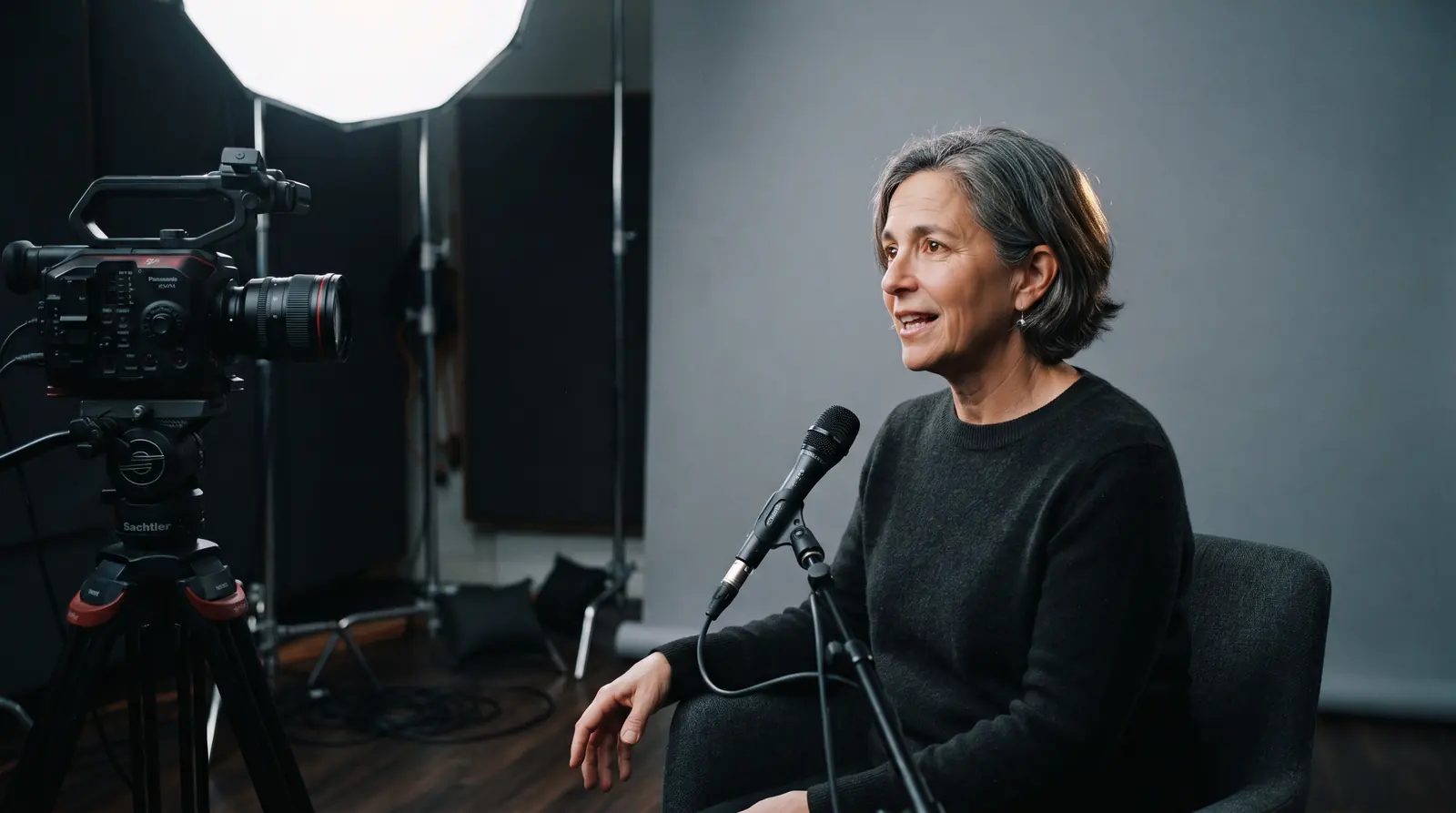
A talking head video is one person speaking to camera, framed from the chest up, and rendering one now costs from about $0.97 a minute on published plans.
The phrase carries two other meanings, which is why the search results for it disagree with each other so completely.[1]
The three meanings, side by side
Two industries and one insult share this phrase, and the pages ranking for it each define one sense as though the others did not exist. That is why the guides index starts here rather than with a how-to.
| Tool | Who uses it | What they mean | How old the sense is | Who is recommending it |
|---|---|---|---|---|
| The shot | Film, television and video production | A framing: one person, chest up, speaking | Decades older than the software | The original sense, and the one film-education pages define without mentioning that software now renders it. |
| The software category | AI video vendors and their buyers | A product that renders that framing without a camera | Borrowed the name, roughly since 2021 | The sense vendor pages define without mentioning that the term predates them. |
| The insult | Broadcast criticism, and everyday speech | A pundit who talks without saying much | Same origin as the shot, opposite tone | Unrelated to either production sense, and the reason several of the questions on this term are about slang. |
How this was scored. Compiled from the questions Google attaches to this term on 2026-08-25 and from the pages ranking for it, which between them cover all three senses while individually covering one each, ordered oldest sense first rather than by popularity. The scoring rules in full.
What is a talking head in video
The person in frame, and by extension the talking head shot itself. The talking head video meaning most people arrive with is this one: one speaker, little or nothing else to look at, and a frame that does not change for the length of the take.
It sits inside the broader category of presenter-led video, and what distinguishes it is the absence of everything else: no set worth describing, no second person, no action.
What is the talking head video format
Four decisions, and they are the whole of it. Everything else on a talking head shoot is script, wardrobe and edit rather than format.
The whole specification of a talking head
What the format actually specifies
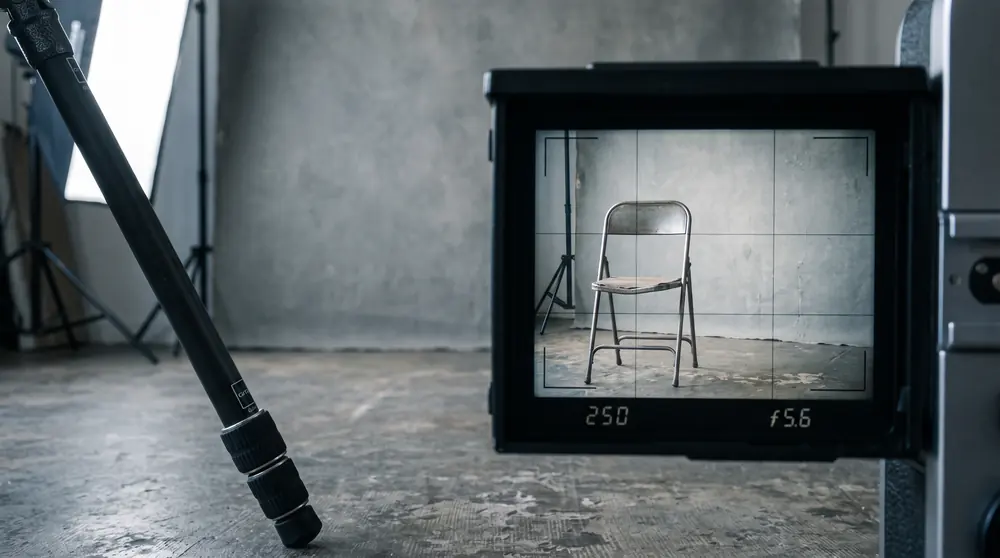
- A medium close-up, roughly chest up with a little headroom.
- The eyes on the upper third line, which is the rule of thirds applied to a face.
- One key light: soft, off to one side and above eye level.
- A lavalier microphone, because distance is what ruins dialogue.
That specification is short enough to memorize and it is why the format costs so little. Nothing in it requires a second person, a location or a rig.
The eyeline decision
Look into the lens and the piece reads as address: the speaker is talking to the viewer. Look slightly off it and the same footage reads as interview: the speaker is talking to someone else and the viewer is watching.
Audiences read that difference instantly without being able to name it, which is why an interview-framed testimonial feels more credible and a lens-framed announcement feels more direct.
What it does not specify
Length, subject, script, set or tone. A thirty-second testimonial and a fifty-minute lecture are both talking heads, and so is a news bulletin.
Why the format survived every budget cut
Because it degrades gracefully. Remove the light and it still works; remove the good microphone and it works worse but still communicates; shoot it on a phone and most viewers will not comment.
- Almost no other format is that forgiving.
- It is why the shot dominates internal communications, course material and anything produced on a schedule rather than a budget.
Why is it called a talking head
Because the frame contains a head, talking, and almost nothing else. The name is a description rather than a metaphor, which is unusual for a production term.
It comes from broadcast, where the shot dominated news and interview television for decades, and it arrived in general speech from the same place.
What talking head means as an insult
A commentator who talks at length without saying much. The dismissive sense borrows the visual one: a head that talks, and nothing behind it.
Some of the confusion around the phrase is also musical. Talking Heads is a band, which is why several of the questions attached to this search term are asking about a reel, a discography or a slang dictionary rather than about video production at all.
The second meaning, and why it arrived
Any AI avatar platform borrowed the term for a product category. In that sense the video is one the platform renders from a script, with a presenter that was never filmed for this particular take, and every AI video generator in the category now uses the phrase this way.
The presenter is either a stock avatar the vendor supplies to everyone, or a personal avatar trained on footage of one specific real person. The framing, the eyeline and the lighting conventions are copied straight from the filmed version.
What software changed about the format
The marginal cost of the second version. Filming a talking head twice means booking the person twice; rendering it twice means changing the script and pressing the button again.
- What that unlocked in practice: localization, personalization and any format that needs the same message forty times with one variable changed.
- What a camera still does better: spontaneity, a second person in the frame, and anything where the audience is studying the presenter rather than the message.
The problem the software has instead
A filmed presenter can be dull. A rendered one can be unsettling, which is a different and harder failure. The vendors are explicit that avoiding it is the design objective.
That is worth knowing before you evaluate one. The question is not whether the output looks impressive in a demo. It is whether it stops being noticeable over the length of the piece you actually intend to publish.
Why the shot gets boring, and the two fixes
The frame does not change, so there is nothing new for attention to land on. That is structural rather than a failure of the speaker, and it arrives at roughly the same point in every piece.
There are two conventional remedies and every talking head you have ever enjoyed used one of them.
- Cut away to b-roll. Supplementary footage over the voice. It works reliably and it requires having shot or licensed that footage.
- Cut within the shot. The jump cut, which removes the pauses and keeps the frame. It costs nothing and it reads as a style rather than as an edit.
The choice is usually budget rather than taste. B-roll is the more expensive fix and the jump cut is the reason a generation of online video looks the way it does.
Editing it, and the shape that has taken over
Editing one is mostly subtraction. Remove the pauses, remove the restarts, remove the throat-clearing at the top, and the piece usually improves without a single addition.
On TikTok and short-form generally, that subtraction became the aesthetic: a talking head with every gap removed, captions burned in, and no b-roll at all. It is the same shot your local news used, edited by someone with no budget and no patience.
- Free tools handle this well enough that an editing app is rarely the constraint.
- The constraint is almost always the script, which no amount of editing rescues.
Where the format is used
Almost everywhere a person has to explain something on a schedule. An explainer video, an onboarding sequence, a course module, an internal announcement, a customer testimonial.
Each reaches for it for the same reason: it is the least expensive format that still puts a human being in front of the message, and credibility is the thing it is buying.
Where it is the wrong choice
- Anything the audience needs to see rather than hear. A process, an interface, a physical product.
- Anything that needs two people in genuine conversation, which a single frame cannot carry.
- Anything spontaneous, because the format rewards preparation and punishes rambling.
Can you provide an example of a video with a talking head
You watched several this week. The clearest examples are a news anchor reading to camera, which is the purest form of it, and a video testimonial, which is the same shot with the eyeline moved off the lens.
- Search suggestions for this term also collect a fair amount of noise: a Talking Heads video reel, a videography business that borrowed the name, and a slang-dictionary entry.
- None of those is about the shot, and the volume behind them is part of why the search results for it are so mixed.
This desk does not host or license video, so these are described rather than embedded. Embedding someone else's reel would not be an example of anything it made.
Apps, features and what actually matters
Every few months a new app promises better output from the same shot, and the feature lists converge fast: captions, background removal, silence trimming, a stock library.
None of that changes the four decisions above, and none of it rescues a piece nobody wanted to watch. Judge a tool on whether it removes friction from the steps you actually repeat, rather than on the length of its feature list.
- Worth paying for: anything that shortens the edit you do every week.
- Rarely worth paying for: a capability you will use once, to see whether it works.
What one costs now
Two answers, separated by orders of magnitude, and the honest version depends entirely on which of the two meanings you arrived with.
The filmed answer
A camera, a light, a microphone and a person's time. The equipment is a fixed cost that amortizes across everything you ever shoot, and the recurring cost is the time of whoever is on camera.
The rendered answer
Published plans on three platforms, divided by the output each permits. That derived figure is not published by any of the vendors and it is the only way to compare them.
Cost per finished minute on the published AI plans
What those plans do not include is the script, which is the part that decides whether anyone watches. The full ladders are on the pricing desk, and the comparison index reads all three platforms on that one derived unit.
How to make talking head videos
Four decisions, in order, because each one constrains the next. None of the first three costs money.
What to decide before you record anything
- Eyeline Into the lens for address, slightly off it for interview. This decides how the whole piece reads and it costs nothing to get right.
- Framing Chest up, eyes on the upper third. Closer than you think, and consistent between takes.
- Light One soft key, off to one side, above eye level. A window works. Overhead office lighting does not.
- Sound Get the microphone close. Distance is what makes audio sound amateur, and viewers forgive poor pictures far more readily than poor sound.
The practitioner version of all four, with the specifics, is the next guide along on this desk. This page defines the form; that one shoots it.
What demand for this term is doing
Roughly 390 searches a month in the US at a keyword difficulty of 0, and up about 23 percent year on year.[2]
That makes it one of only two growing terms this site targets, and every product term around it is falling. A definitional question growing while the product questions shrink usually means new people are arriving at the category rather than leaving it.
How we wrote this
The format definitions come from standard production convention rather than from any vendor, because no vendor owns the definition of a shot. The editorial desk here has not run the software described here and says so.
- Every price: the three vendors' own pages, read 2026-08-25, with cost per minute derived here.
- The demand figures: a live keyword pull on the same date.
- The three senses: the questions Google attaches to this term, plus the pages ranking for it.
Why this page will age slowly
A shot definition does not move. The prices do, and they carry dates, and the software sense is the part most likely to look different in two years.
Questions people ask about the format
What is a talking head video?
What is a talking head in video?
What does the format specify?
Why is it called a talking head?
What does talking head mean as an insult?
How do you make a talking head video?
Can you give an example of one?
How much does a talking head video cost?
Why do talking head videos get boring?
Is a talking head style video the same as an AI avatar video?
Captions are a floor, not a finish
Accessibility guidance tends to be discussed as a nice-to-have, so it is worth being exact about where captions sit. Providing them for prerecorded video is a Level A success criterion, the lowest rung of the standard, the one everything else is built on top of. And the criterion asks for more than the words: captions have to identify who is speaking and carry meaningful non-speech sound.
That is the gap most automatic caption tracks fall into. A transcript can be word-perfect and still fail, because it does not tell a deaf viewer which of two presenters is talking or that something in the scene made a noise. For a single-presenter avatar video the speaker identification is easy; the discipline is remembering that the auto-generated track is a draft.
What this does not say: The criterion sets no numeric accuracy threshold, so 'good enough captions' remains a judgement.
W3C, Understanding SC 1.2.2: Captions (Prerecorded) (2026-08-10)
The deadline if any of your clients are public sector
For anyone producing this kind of video under contract, one date has already been set. The US Department of Justice’s rule for state and local government adopts WCAG 2.1 Level AA for web content and mobile apps, with compliance due in April 2027 for entities serving fifty thousand people or more and April 2028 for smaller ones.
The detail that catches suppliers is that the rule reaches contractors providing services on those entities’ behalf. A production company delivering avatar video to a city department inherits the standard, which turns accessibility from a design preference into a procurement requirement with a date attached.
What this does not say: Applies to Title II entities only; private-sector obligations under Title III are litigated rather than codified.
U.S. Department of Justice, Fact Sheet: New Rule on the Accessibility of Web Content and Mobile Apps (Title II) (2024-04-24)
Sources
Work in AI video?
We take pitches from people building and using these tools. Tell us what you know that the vendor pages do not.
Pitch a guest postStill comparing?
Every figure on this site carries the page it was read from and the date it was read.
See the pricing deskBy the Humva Desk. Checked against primary sources and updated .